01
It starts with an interview.
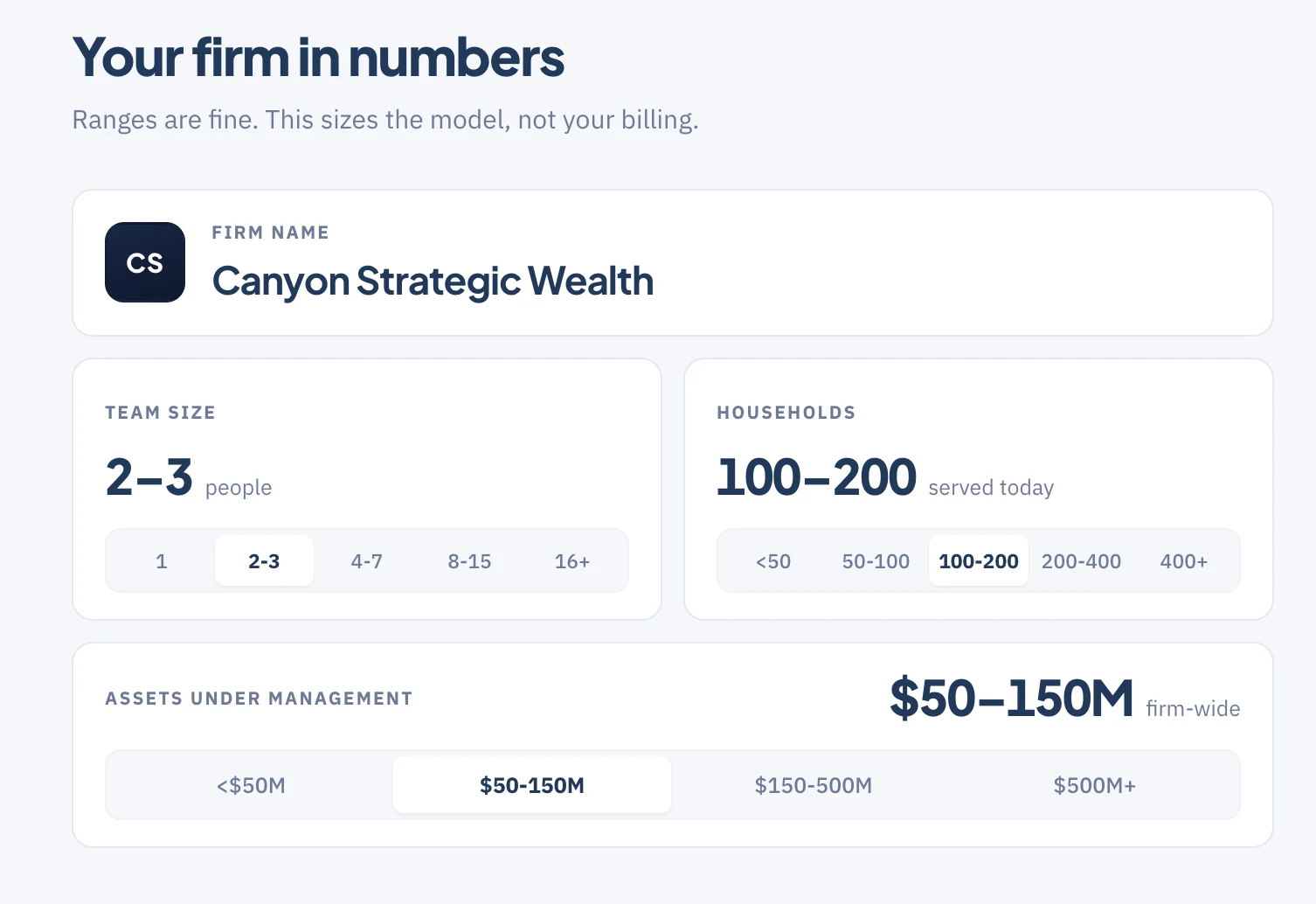
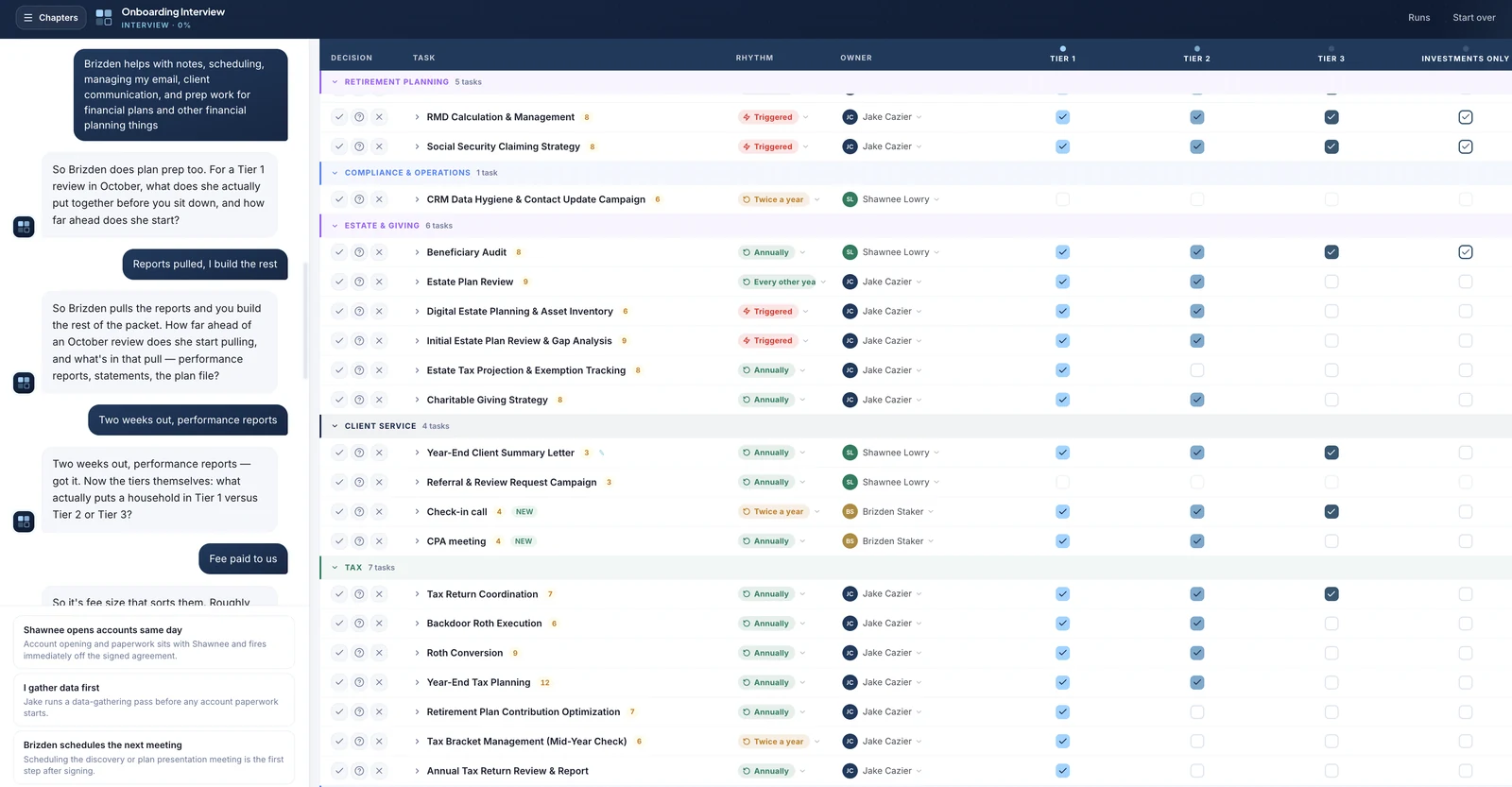
The Service Model Builder asks who you serve, how many meetings are in your onboarding, what happens after them, what you do in March, what you do in the summer, who does it, and how urgent it is. The interview continues until CanyonAI has a very high conviction of how you are striving to serve your clients.
The result is a completely customized service model for each client segment. You can use it yourself, for free.
02
Every segment becomes a tier.
Every tier lists exactly what gets done for it.
This is what they signed up for.
03
Apply a tier. Then fit it to the household.
Import the record from Wealthbox and apply a tier. The recurring service calendar and the onboarding flow are already built, so no detail gets missed.
Two clients might both fit in your Tier 3, but one is 66 and the other 45. They need very different things. Add Roth conversions and a retirement plan update to the older couple, and a tax planning meeting to the couple in their mid 40s.
Every item has an assignee and a due date, plus a link to a Loom video of you going through the step, showing just how you want it done.
04
Next year? Already there.
These tasks aren't one-off objects. They're durable year to year. Open the Roth conversion, and last year's note is sitting on it.
The household record remembers what you told it.
05
Paste the transcript. Approve the tasks.
CanyonOps reads it, pulls out what matters, and puts it up for you to review and approve. Kylie is changing jobs in January, so there's a rollover task in Q1 with detailed notes about it.
If you use Jump, you don't even paste.
06
Year in Review.
Towards the end of the year, click Year in Review. It walks the client through the decisions, the results, and the services of the year, readable and stripped of jargon, plus everything already planned for next year. Totally customizable.